Clicking “Buy Now” takes only a few seconds. The retailer confirms your payment and records your order almost immediately. That action starts a chain of activity that can stretch across warehouses and delivery networks.
Most shoppers never see what happens behind the confirmation screen. Software systems coordinate with warehouse teams and shipping carriers to move a product from storage to its final destination. Each step depends on accurate information and careful timing.
The process may look simple from the outside, but every order involves multiple decisions. Retailers must know where the product sits and which facility should handle it. They also need to choose a shipping route that can meet the promised delivery date.
The Retailer Confirms Your Payment
The process starts when the retailer sends your payment information to a payment processor. The processor checks whether the payment method works and whether the transaction can move forward. Once the payment clears, the retailer creates an official order record.
That record includes the purchased item, quantity, shipping address, and selected delivery method. Some retailers also run fraud checks before they release the order. If the system detects unusual activity, staff may review the transaction before the warehouse receives it.
At this stage, the shopper usually sees an order confirmation. For the retailer, however, the operational work has only begun. The order now needs to move from a digital transaction into a physical fulfillment process.
The System Decides Which Warehouse Will Handle the Order
Large retailers may store the same product in several locations. Their order management systems determine which warehouse or distribution center should handle each purchase. The system may look at inventory levels and the customer’s location before choosing a facility.
It can also consider shipping deadlines and the workload at each warehouse. This decision plays an important role in what happens after you click “Buy Now” because the right location can shorten delivery time and reduce unnecessary transportation. Sending a package from a poorly placed facility can add extra miles and extra handling.
Retailers also update inventory as orders move through the system. That helps prevent customers from purchasing products that no longer remain in stock. Accurate inventory data also helps warehouse teams plan future orders more effectively.
The Warehouse Receives and Picks the Order
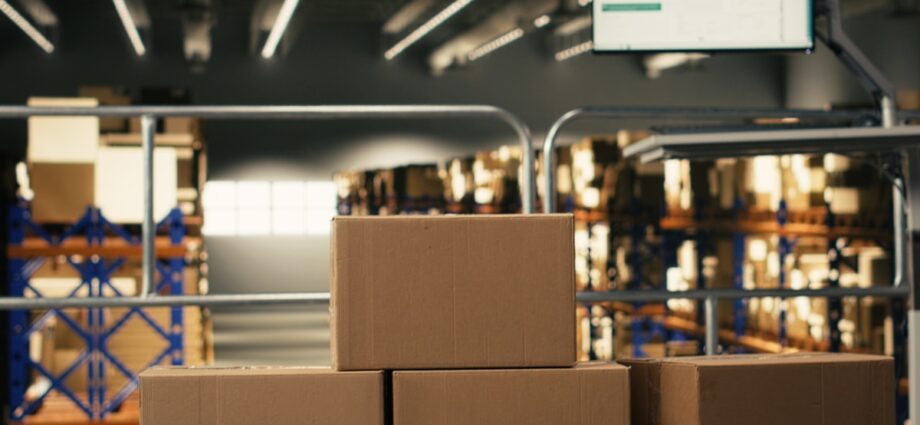
After the system assigns a warehouse, the facility receives a digital picking request. Warehouse management software tells workers which item the customer ordered and where to find it. Employees can then move directly to the correct storage location.
Workers may use handheld scanners or digital displays to follow those instructions. Larger facilities may also use conveyor systems or mobile robots to move products between storage areas and workstations. These tools help reduce unnecessary travel across large warehouse floors.
Warehouse teams call the retrieval stage “picking.” A worker selects the item and confirms it against the order before sending it to the next stage. That confirmation helps prevent the wrong product from moving forward.
Some facilities combine several customer orders into one picking run. Workers collect multiple products and separate them before packing. Efficient picking can make a noticeable difference when a facility processes thousands of orders each day.
The Product Moves to the Packing Area
After picking, the product arrives at a packing station. A worker checks the order again and chooses suitable packaging. The employee then prepares the parcel for shipping.
Different products require different treatment. Clothing may need only a simple mailer, but fragile goods may require stronger boxes or protective material. The goal is to protect the item without using unnecessary packaging.
The worker also applies the shipping label. That label connects the package to the carrier’s network and gives the shipping system the information it needs to direct the parcel. A clear, accurate label helps prevent routing mistakes.
The facility itself also plays a major role in this process. Distribution centers need enough room for storage, workstations, loading areas, and transportation access. The design of steel buildings for distribution center operations reflects how these facilities accommodate the physical demands of large-scale storage and shipping.
Workers Sort the Parcel for Shipment
Once the warehouse finishes packing the order, the parcel moves into the outbound shipping area. Workers or automated systems sort packages according to their destination and carrier. Packages headed toward the same region may travel together during the first part of the journey.
A parcel may pass through several sorting facilities before it reaches the customer’s area. Each location sends it toward the next point in the network. These transfers help carriers move large groups of packages efficiently.
Sorting also creates many of the tracking updates customers see online. Each scan records another stage in the package’s journey. That information allows both the carrier and the customer to monitor its progress.
The Shipping Carrier Moves the Package
A carrier collects the parcel from the warehouse and moves it into a wider transportation network. Trucks handle much of this movement, although long-distance shipments may also travel by aircraft or rail. The package may cross several regions before it reaches the customer.
International orders can add customs checks and extra processing to the journey. Carriers use routing systems to organize each stage of transportation. These systems help determine which facility should receive the parcel next.
Unexpected problems can still cause delays. Severe weather or traffic disruptions may slow a shipment even when the rest of the process runs smoothly. Mechanical issues and high package volumes can also affect delivery times.
The Package Arrives at a Local Delivery Center
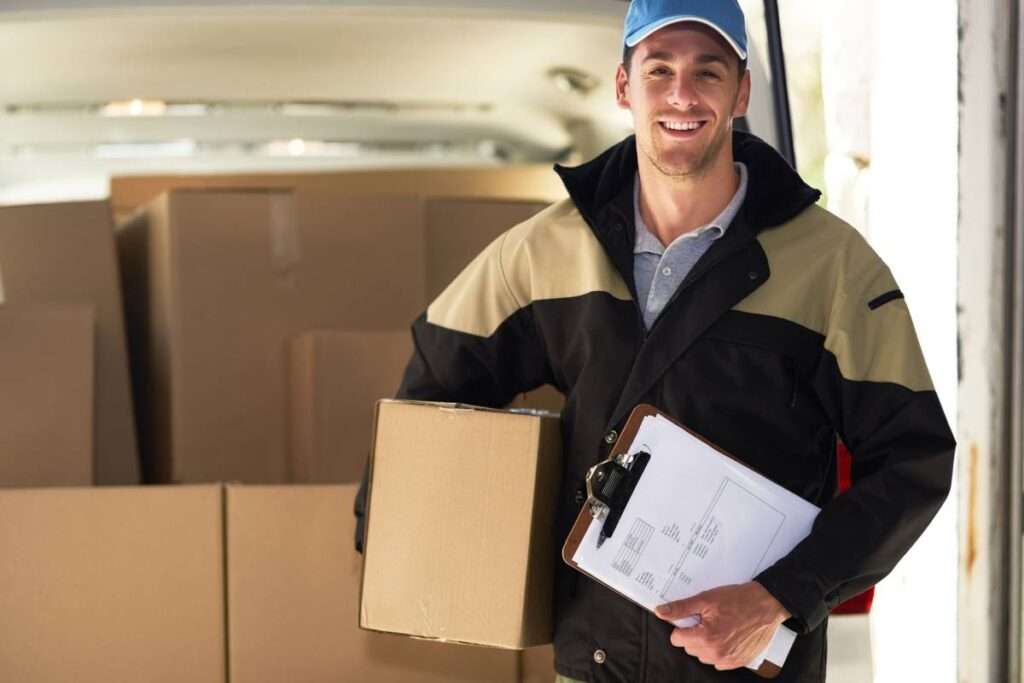
Eventually, the parcel reaches a facility near the customer. Staff sort it again and assign it to a local delivery route. Routing software helps drivers organize their stops efficiently.
The system may account for road conditions, delivery windows, and the number of packages on the vehicle. This final stage can make what occurs after you buy an item online especially challenging because the carrier must now deliver each package individually. Moving hundreds of parcels between two facilities requires less precision than making hundreds of separate doorstep deliveries.
Urban congestion can slow this process considerably, while rural routes can create different challenges because drivers may travel longer distances between stops. Access restrictions can also affect delivery timing.
The Driver Completes the Final Delivery
The driver brings the parcel to the address listed on the order. Depending on the service, the customer may receive the package at a home, business, locker, or pickup point. Some deliveries require a signature before the driver can complete the handoff.
Other deliveries allow the driver to leave the package in a safe location. If the driver cannot complete the delivery, the carrier may try again later. An incorrect address or restricted access can also send the parcel back to a local facility.
Returns can start another logistics process. The retailer may receive the product again and inspect its condition. Staff then decide whether to place it back into inventory or handle it another way.
A Simple Click Starts a Much Bigger Process
Online shopping makes purchasing feel nearly effortless. A few taps can send an order into a logistics network that may span cities or entire countries. Several teams and systems may handle the package before it reaches its destination.
By the time a delivery arrives, the product has already completed a carefully coordinated journey. The process combines digital systems with physical infrastructure and transportation. The next time a package reaches the door, that small “Buy Now” button may feel a little less simple.